M3U Playlist vs Xtream Codes Login: What Is the Difference?
Two ways to sign in to the same IPTV service. One loads everything on its own, the other works in almost any player. Here is how to choose.
October 12, 2026 · 4 min readReadThe EPG is the TV guide inside your IPTV app. Here is how it reaches your screen, and what to do when it is empty or shows the wrong times.
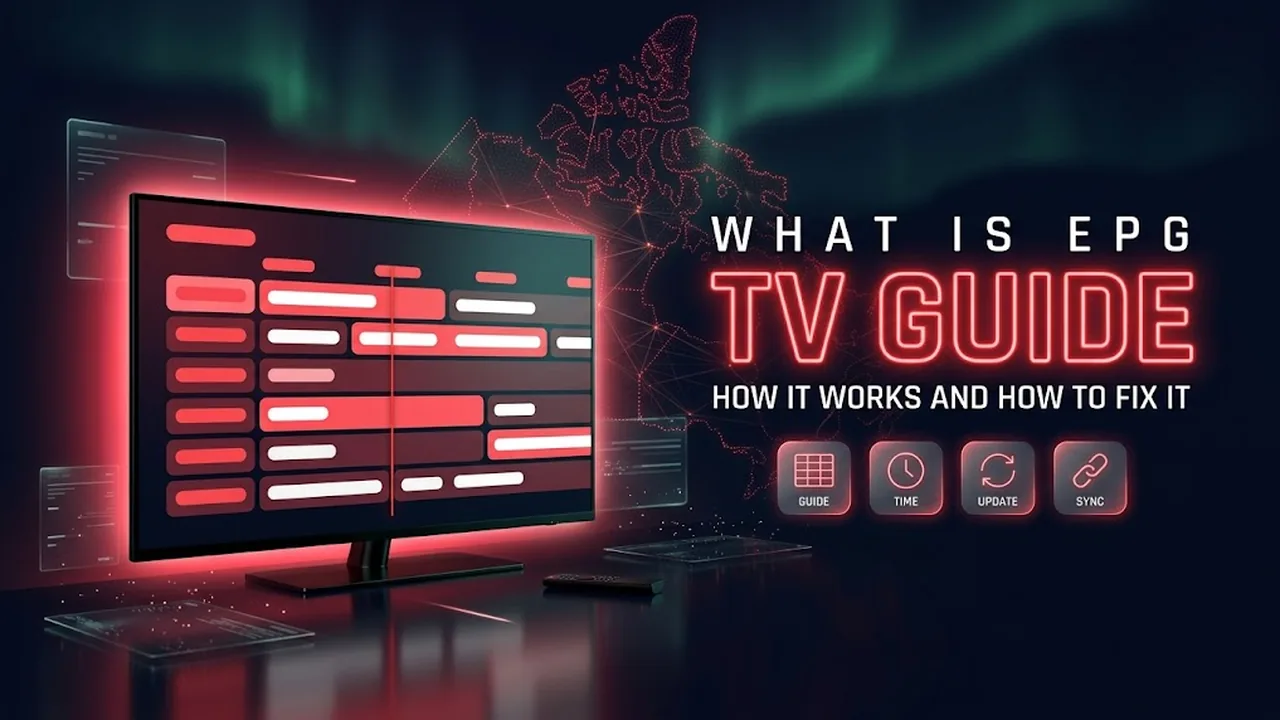
In short: EPG stands for Electronic Program Guide: the TV guide that shows what is on now and next. Your IPTV app downloads it separately from the channels. If the guide is empty, refresh it in the app and wait a few minutes. If the times are wrong, check the time zone on your device and the guide time offset in the app.
EPG stands for Electronic Program Guide. It is the grid you know from cable TV: channel names down the side, hours across the top, and the shows in between. In an IPTV app it usually appears in two places:
The channels and the guide are two different things. The channel list tells the app where to find each live stream. The guide is a separate file, often in a format called XMLTV, that lists the shows and their times for each channel. The app matches the two using an ID for each channel.
If you are not sure which login type you have, our article on M3U vs Xtream Codes explains the difference.
Ask for a free trial and test it on your own TV and internet before you pay. No credit card, no contract.
Some apps and providers also offer catch-up or recording on certain channels. This depends on both the app and the channel, so ask before you count on it.
An empty guide is the most common EPG question, and it usually has a simple cause.
Canada has six time zones, from Newfoundland to the Pacific, so time settings matter. If every show in the guide is off by the same number of hours, it is a settings issue, not a broken guide.
If one channel shows a completely different program than the one on screen, its guide is linked to the wrong channel ID. You cannot fix that on your side. Send the channel name to your provider so they can correct the link.
Every Boreal IPTV plan includes a TV guide on the channels that publish one. If yours is empty or off by a few hours after these steps, message us with your device and app, and we will go through it with you.
Write to us in English or French. A real person answers, and there is no obligation to buy.
Two ways to sign in to the same IPTV service. One loads everything on its own, the other works in almost any player. Here is how to choose.
October 12, 2026 · 4 min readRead
Most buffering starts between your router and your TV, not in your internet plan. Find where the problem is, then work through these fixes in order.
October 12, 2026 · 5 min readRead
Missing the news, series and games from home? Compare your options, plan around the time difference, and know what to ask before you pay.
October 13, 2026 · 4 min readReadSend us a message and we'll set up your free trial. No credit card, no contract. You test it at home, on your own internet, then decide.