IPTV Buffering: Why It Happens and 10 Fixes That Work
Most buffering starts between your router and your TV, not in your internet plan. Find where the problem is, then work through these fixes in order.
October 12, 2026 · 5 min readReadThe speed on your internet bill is not the speed your TV gets. Here are the real numbers for HD and 4K, and how to add up several screens.
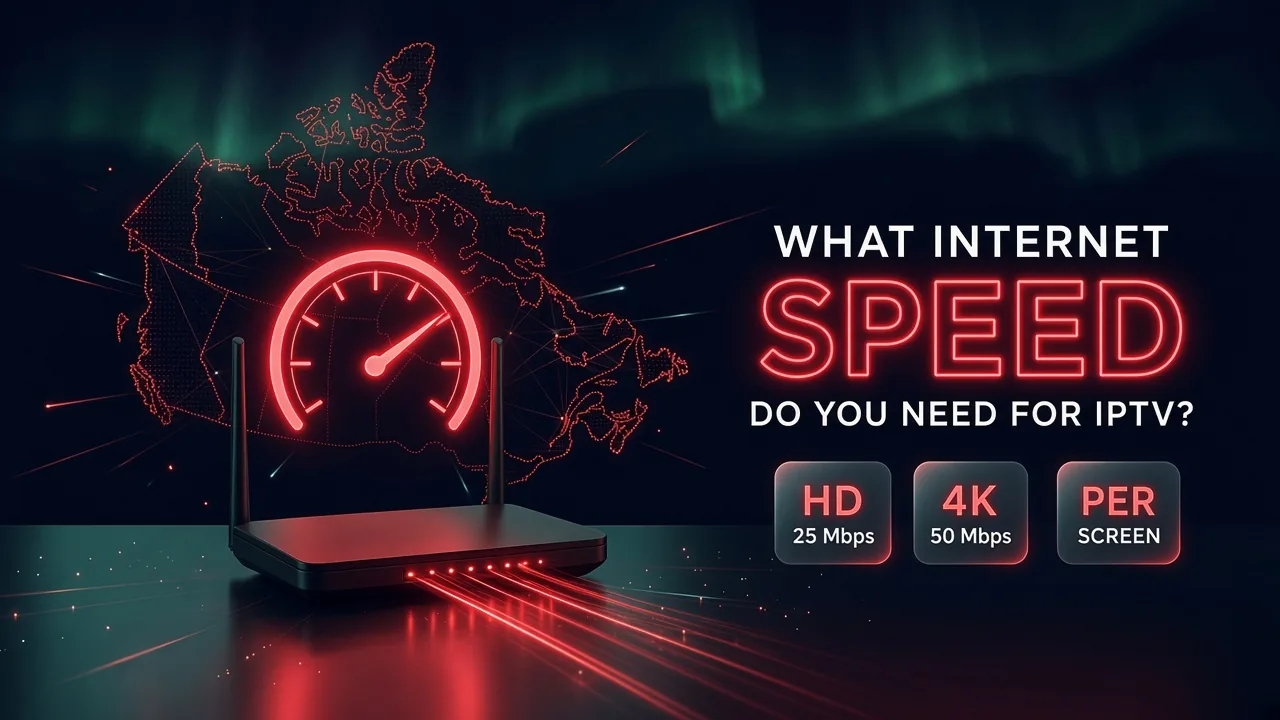
In short: Plan on about 25 Mbps per screen for HD and 50 Mbps for 4K, measured on the TV itself, not on your phone. Add the numbers for every screen watching at the same time, then leave room for the rest of the household. A fast plan can still buffer if the Wi-Fi signal is weak where the TV sits, so test the speed in that room, in the evening.
These are comfortable minimums per screen watching at the same time. They leave a little margin, so the picture stays stable when the network gets busy.
| Quality | Speed per screen | Good for |
|---|---|---|
| SD | about 10 Mbps | Small screens, weak connections |
| HD and Full HD | about 25 Mbps | Most TVs, most channels |
| 4K | about 50 Mbps | Large 4K TVs, on channels offered in 4K |
A stream can play on less than this. The margin is what keeps it from freezing during a busy evening or a fast-moving game.
Each screen that watches at the same time needs its own share. Add them together, then leave room for everything else in the house: phones, video calls, game downloads and school work.
| Watching at the same time | Comfortable total |
|---|---|
| 1 TV in HD | about 25 Mbps |
| 2 TVs in HD | about 50 Mbps |
| 3 TVs in HD | about 75 Mbps |
| 1 TV in 4K and 1 in HD | about 75 Mbps |
| 2 TVs in 4K | about 100 Mbps |
Most internet plans sold in Canadian cities today are well above these totals. The question is rarely the plan itself. It is how much of that speed actually reaches the TV. For how screen limits work with several TVs, see our article on IPTV on several TVs.
Ask for a free trial and test it on your own TV and internet before you pay. No credit card, no contract.
The speed on your bill is what arrives at the modem. Between the modem and the TV, a lot can get lost:
That is why a gigabit plan does not guarantee a smooth picture on the TV upstairs, while a modest plan with a cable to the TV can be perfect.
If the result is much lower than your plan, the problem is inside the home. Our 10 buffering fixes show what to change first, starting with the router position and the 5 GHz band.
Speed is how fast data arrives. Data is how much arrives over the month. As a rough guide, an HD stream uses around 2 to 3 GB per hour, and 4K several times more, depending on the channel. A household that watches four hours of HD a day can use 250 GB or more in a month from TV alone.
Many Canadian home internet plans are unlimited, but not all. Check your plan for a monthly cap before you replace cable, especially if several people stream.
The surest way to know is to watch on your own connection. Ask for a free trial and test at the hours you usually watch, on every TV in the house.
Write to us in English or French. A real person answers, and there is no obligation to buy.
Most buffering starts between your router and your TV, not in your internet plan. Find where the problem is, then work through these fixes in order.
October 12, 2026 · 5 min readRead
Living room, bedroom, basement: here is how screen limits work, what speed several TVs need, and how to pick the right plan for your household.
October 13, 2026 · 3 min readRead
Your TV may already run IPTV apps, but a small streaming stick is often smoother. Here is how to decide for each TV in your home.
October 13, 2026 · 4 min readReadSend us a message and we'll set up your free trial. No credit card, no contract. You test it at home, on your own internet, then decide.