What Internet Speed Do You Really Need for IPTV and Live TV?
The speed on your internet bill is not the speed your TV gets. Here are the real numbers for HD and 4K, and how to add up several screens.
October 13, 2026 · 4 min readReadLiving room, bedroom, basement: here is how screen limits work, what speed several TVs need, and how to pick the right plan for your household.
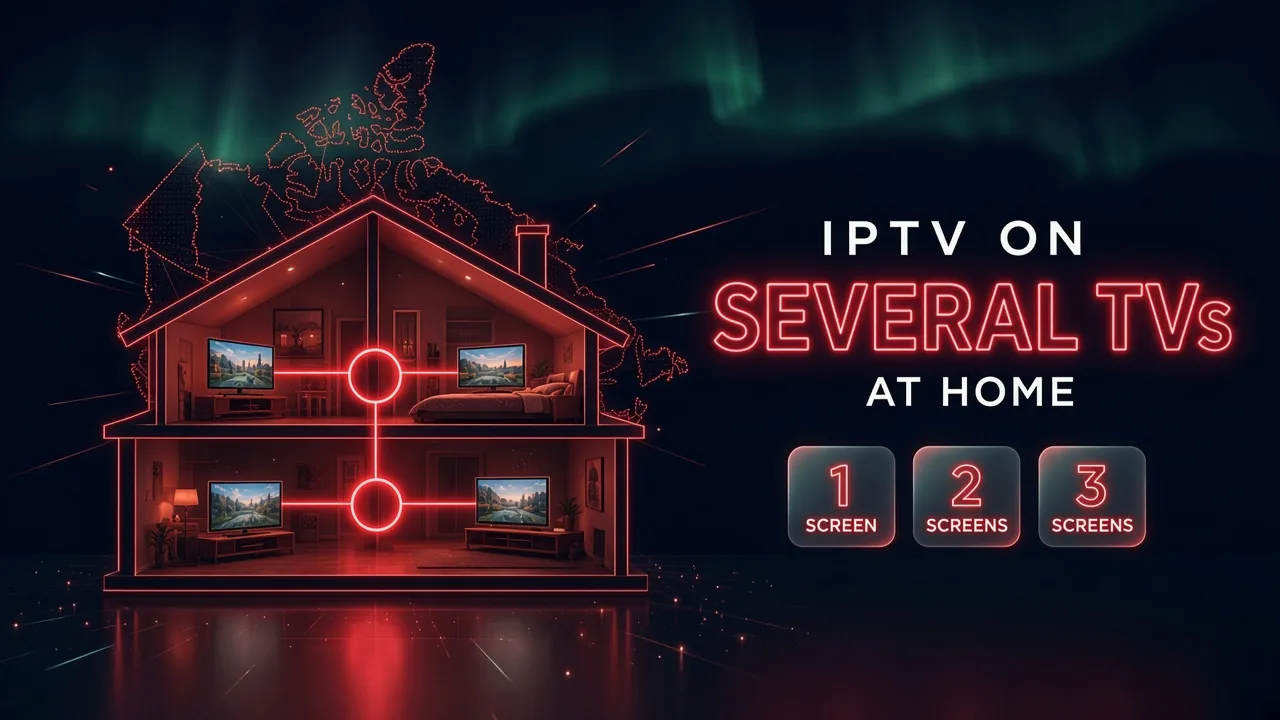
In short: You can install your IPTV app on as many devices as you like, but your plan sets how many can watch at the same time. Count the screens that are used together at your busiest hour, choose a plan for that number, and make sure your internet has about 25 Mbps per HD screen. You can mix a smart TV, a streaming stick and a phone on the same subscription.
Two numbers often get mixed up. The number of devices where the app is installed is usually not limited: the living room TV, the bedroom stick, a tablet, a phone. What the plan limits is how many of them are watching at the same time.
With a two-screen plan, any two of your devices can play at once. If a third one starts a channel, one of the streams may stop or refuse to start. Close it on one device and the other works again.
The right plan depends on your busiest moment, not on how many TVs you own. Think of a normal weeknight and a game night:
The highest number you count is the plan you need. A house with four TVs where only two are ever on together needs a two-screen plan.
Ask for a free trial and test it on your own TV and internet before you pay. No credit card, no contract.
Each screen watching at the same time needs its own share of the connection: about 25 Mbps for HD and 50 Mbps for 4K. Add them together, then leave room for the rest of the household.
| Watching at the same time | Comfortable total |
|---|---|
| 2 screens in HD | about 50 Mbps |
| 3 screens in HD | about 75 Mbps |
| 2 screens in 4K | about 100 Mbps |
The speed must reach each TV, not only the modem. A TV far from the router may need a cable, the 5 GHz band or a mesh point. Our guide to internet speed for IPTV shows how to test it room by room.
The same login works on different kinds of devices. A common setup in Canadian homes:
Each device needs its own player app and the same login. Our article on smart TV apps and streaming sticks helps you choose for each room, and the setup guide has the steps.
Boreal IPTV plans come in 1, 2 or 3 screens, in Canadian dollars, with no contract and no automatic renewal. The content is the same in every plan: only the length and the number of screens change.
| Screens at once | 1 month | 3 months | 6 months | 12 months |
|---|---|---|---|---|
| 1 | CA$17 | CA$29 | CA$49 | CA$79 |
| 2 | CA$28 | CA$48 | CA$78 | CA$128 |
| 3 | CA$39 | CA$69 | CA$119 | CA$179 |
Need 4 or 5 screens? Message us for a price. See all the details on our pricing page.
Not sure how many screens you need? Ask for a free trial, tell us how many TVs you want to test, and see how your home handles them before choosing a plan.
Write to us in English or French. A real person answers, and there is no obligation to buy.
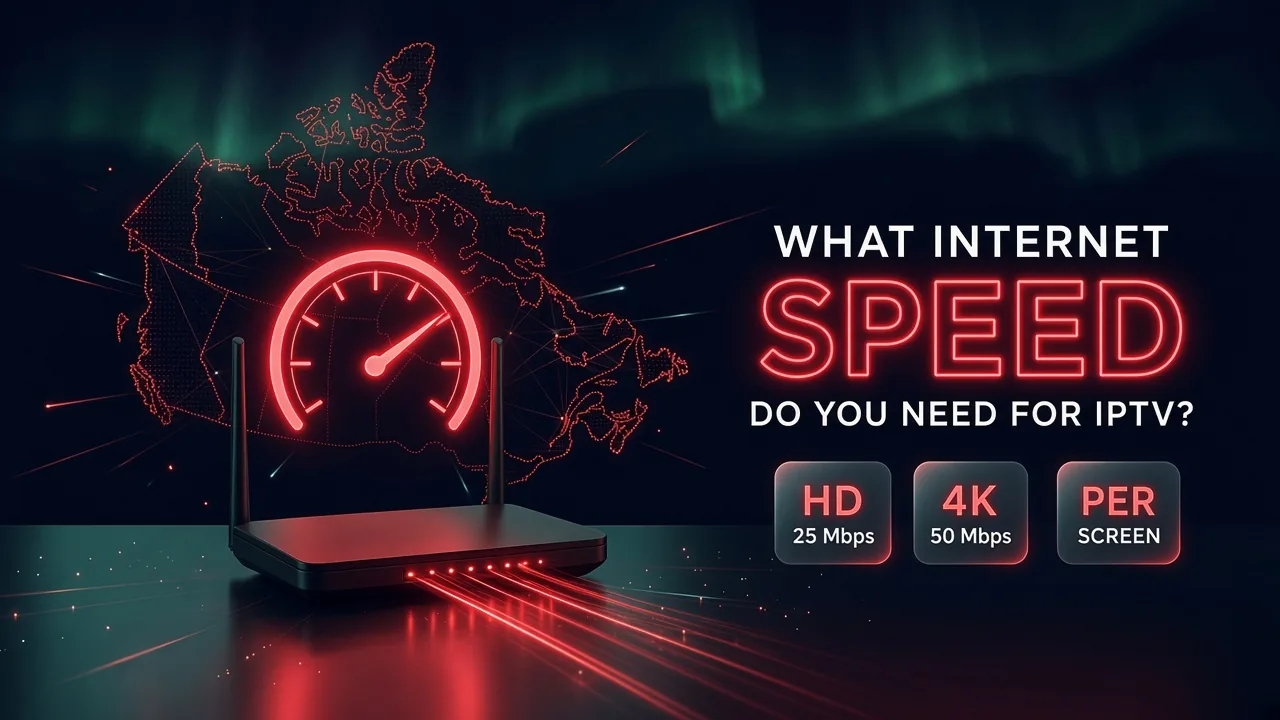
The speed on your internet bill is not the speed your TV gets. Here are the real numbers for HD and 4K, and how to add up several screens.
October 13, 2026 · 4 min readRead
Your TV may already run IPTV apps, but a small streaming stick is often smoother. Here is how to decide for each TV in your home.
October 13, 2026 · 4 min readRead
Replace cable without missing your shows: list what you watch, check your internet, mix the right options, then cancel the right way.
October 13, 2026 · 4 min readReadSend us a message and we'll set up your free trial. No credit card, no contract. You test it at home, on your own internet, then decide.