How to Watch IPTV on Several TVs at Home
Living room, bedroom, basement: here is how screen limits work, what speed several TVs need, and how to pick the right plan for your household.
October 13, 2026 · 3 min readReadYour TV may already run IPTV apps, but a small streaming stick is often smoother. Here is how to decide for each TV in your home.
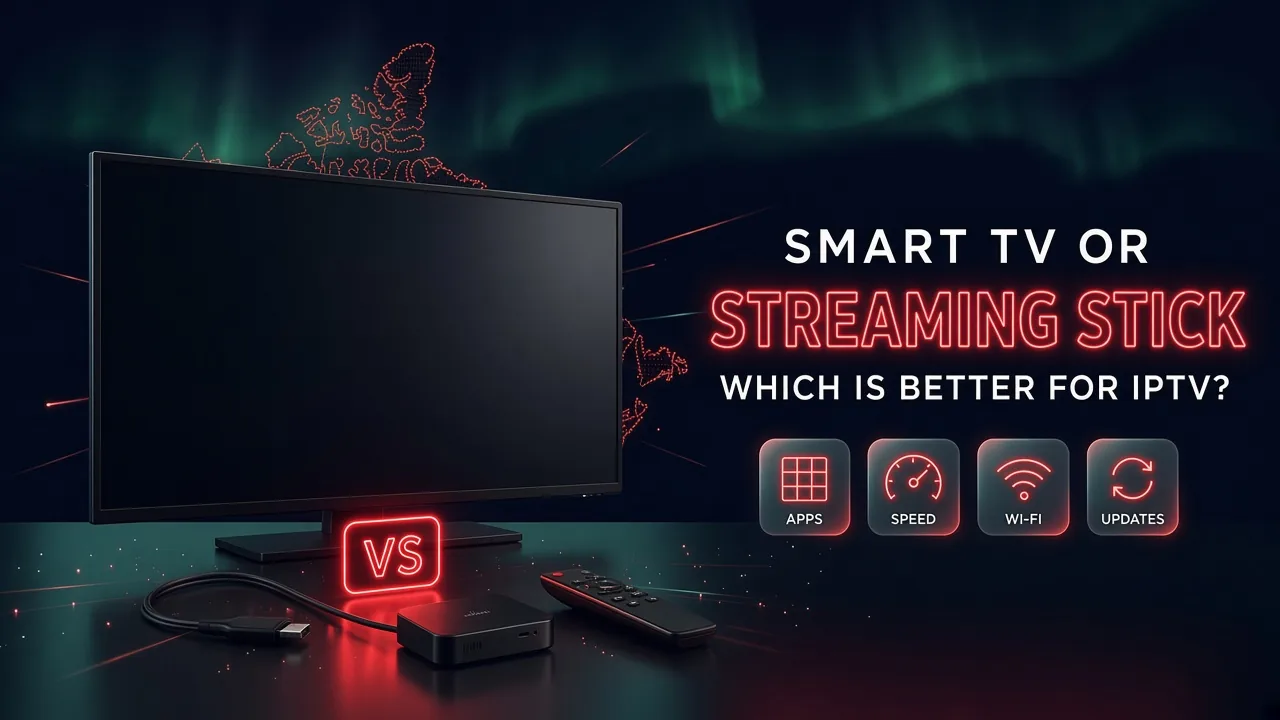
In short: A recent smart TV can run IPTV player apps directly, which keeps things simple. A streaming stick or box often gives a smoother result, because it has a wider choice of apps, more memory for the TV guide, newer Wi-Fi and longer updates. Try the TV first. If the app is missing, slow or freezes, a stick is the easy upgrade.
Start with what you already have. If your smart TV is a few years old or newer and its app store has a good IPTV player, try it first. If the app is not available, feels slow, or the TV guide takes ages to load, plug in a streaming stick. It is a small purchase compared with a new TV, and it usually fixes all three problems at once.
An IPTV service gives you a login. You watch with a player app, and the choice of players depends on the device:
If you are not sure what a player app is, our article on IPTV players and providers explains it in plain words.
Ask for a free trial and test it on your own TV and internet before you pay. No credit card, no contract.
A TV guide for hundreds of channels is a big file. The device has to download it, store it and redraw it every time you scroll. TVs are built to show a beautiful picture, not to run heavy apps, so many have little memory and storage left for apps. You notice it as a slow guide, menus that lag, or an app that closes on its own.
A recent streaming stick or box is built for exactly this job. It is often faster at loading channel lists and switching channels, especially on mid-range and older TVs.
Most buffering starts with the Wi-Fi signal, not with the internet plan. Two things matter here:
Our buffering guide covers the Wi-Fi side step by step.
TV makers usually stop updating the software of a model after some years. When that happens, apps can stop receiving new versions too. A streaming stick is cheap to replace, so you can keep the same TV for many years and simply swap the stick when it gets old. Replacing a stick costs far less than replacing a television.
| Smart TV app | Streaming stick or box | |
|---|---|---|
| Extra cost | None | One small purchase |
| Choice of IPTV players | Smaller, depends on the brand | Wide, especially on Android and Fire TV |
| Speed of menus and guide | Good on recent models, slow on older ones | Usually smooth |
| Wi-Fi | Depends on the age of the TV | Usually newer |
| Remote and inputs | One remote, no extra cable | A second remote, one HDMI port |
| Software updates | Stop after some years | Easy to replace the stick |
You can mix both in the same home: the TV app in the living room and a stick in the bedroom, with the same subscription. Our setup guide has the steps for each device.
Not sure what your TV can run? Send us the brand and the approximate year on WhatsApp or by email. We tell you honestly whether to use the TV or add a stick, before you pay anything.
Write to us in English or French. A real person answers, and there is no obligation to buy.
Living room, bedroom, basement: here is how screen limits work, what speed several TVs need, and how to pick the right plan for your household.
October 13, 2026 · 3 min readRead
Many people install an IPTV app and wonder where the channels are. The app is only the player. Here is how the player and the provider fit together.
October 13, 2026 · 3 min readRead
Replace cable without missing your shows: list what you watch, check your internet, mix the right options, then cancel the right way.
October 13, 2026 · 4 min readReadSend us a message and we'll set up your free trial. No credit card, no contract. You test it at home, on your own internet, then decide.