Smart TV App or Streaming Stick: Which Is Better for IPTV?
Your TV may already run IPTV apps, but a small streaming stick is often smoother. Here is how to decide for each TV in your home.
October 13, 2026 · 4 min readReadCasting works, but not every phone, app and TV get along. Here is what works with iPhone and Android, and when a player on the TV is the better choice.
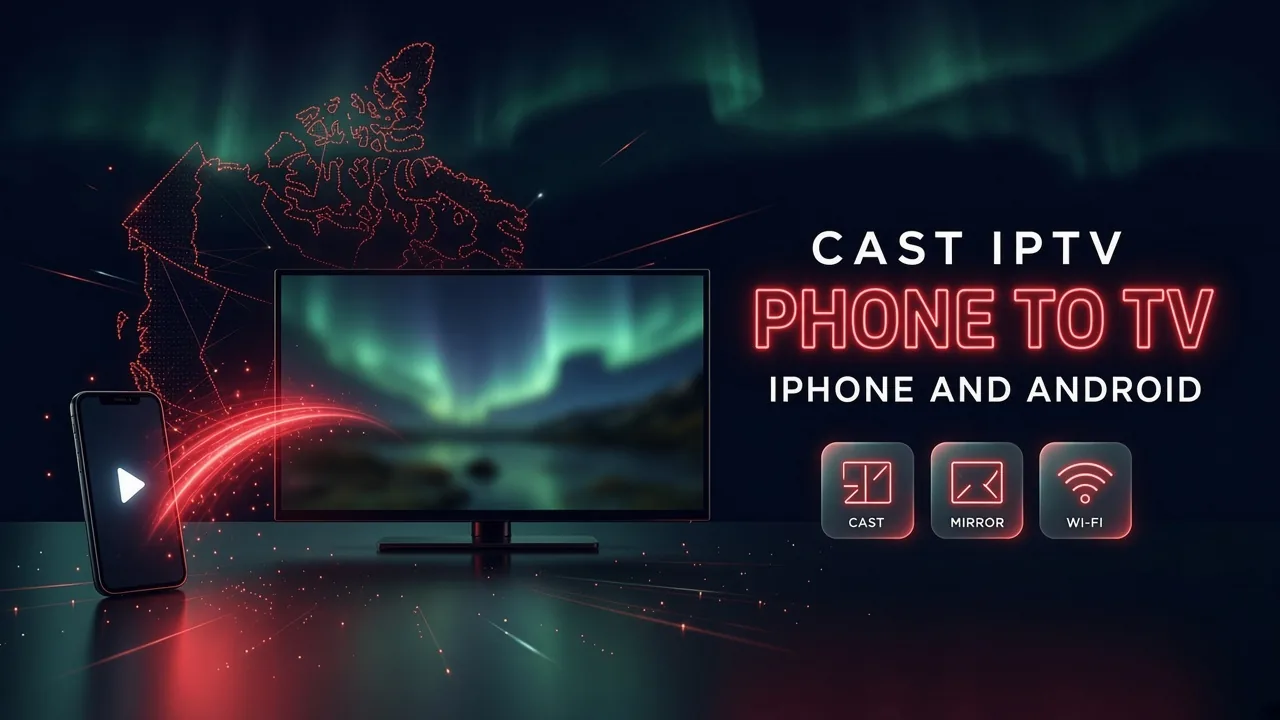
In short: Casting is handy for an occasional show, but for everyday watching, a player app installed on the TV or on a streaming stick is more stable. With an iPhone, AirPlay to an Apple TV or a compatible smart TV works best. With Android, use the Cast button inside the player app when there is one, and screen mirroring as a backup. Keep the phone and the TV on the same Wi-Fi network, ideally 5 GHz, and turn off any VPN on the phone.
If you watch every day, install a player app on the TV itself or on a streaming stick, and keep your phone as a backup. When the app runs on the TV, the TV pulls the stream straight from the internet and your phone stays free. Casting is perfect for a quick show in a room where nothing is set up yet, or at a friend's place, but it adds one more device that can drop the connection.
There are two ways to put your phone's video on the TV, and they behave very differently:
| Casting | Screen mirroring | |
|---|---|---|
| How it works | The phone tells the TV which stream to play, and the TV fetches it from the internet | The phone plays the video and sends a copy of its whole screen over Wi-Fi |
| Picture quality | The full quality of the stream | Often lower, and it can stutter |
| Your phone during playback | Free to use, often even locked | Must stay on, with the app open |
| Battery | Light use | Heavy use |
| Works with | Apps that have a Cast or AirPlay button | Almost any app |
Always try casting first. Use mirroring only when the app has no cast button.
Ask for a free trial and test it on your own TV and internet before you pay. No credit card, no contract.
On an iPhone or iPad, AirPlay is built in. It works with:
Some player apps send live channels with AirPlay smoothly. Others only allow mirroring, which is less stable. If the picture stutters, try another player, or install the app directly on the Apple TV, which is usually the smoothest option of all. Apple's own AirPlay guide shows the same steps with pictures.
Many people are surprised that an iPhone and a Chromecast do not get along well. The reason is simple: an iPhone has no built-in way to cast to a Chromecast. Only apps that include Google's casting feature show a Cast button, and many IPTV players do not, or support it only partly.
In practice it is hit or miss, and it depends on the exact app. If you have an iPhone and a Chromecast with Google TV, the model with its own remote, skip casting and install a player directly on the Google TV. It has its own app store and does not need the phone at all.
Android phones work well with Chromecast, and with TVs running Google TV or Android TV, which have casting built in.
Mirroring works with almost any app. Keep the phone plugged in, turn on Do Not Disturb so your messages do not appear on the TV, and expect slightly lower quality. With a Chromecast or Google TV, you can also mirror from the Google Home app, as explained in Google's help page.
Fire TV devices also accept screen mirroring from many Android phones, but the most reliable way to use a Fire TV is to install the player on it directly. Our setup guide shows how, step by step.
If the picture still stutters, the Wi-Fi itself may be the weak link. Our buffering fixes and our guide to internet speed help you test it.
Casting moves the stream from your phone to the TV, so it normally counts as one screen, the same as watching on the phone. Mirroring also uses one connection, the phone's. But if one person keeps watching on the phone while someone else watches the TV, that is two screens at the same time. Our article on IPTV on several TVs explains how screen limits work.
Not sure which way suits your phone and your TV? Tell us the models on WhatsApp or by email, then test it during a free trial before you pay.
Write to us in English or French. A real person answers, and there is no obligation to buy.
Your TV may already run IPTV apps, but a small streaming stick is often smoother. Here is how to decide for each TV in your home.
October 13, 2026 · 4 min readRead
Many people install an IPTV app and wonder where the channels are. The app is only the player. Here is how the player and the provider fit together.
October 13, 2026 · 3 min readRead
Most buffering starts between your router and your TV, not in your internet plan. Find where the problem is, then work through these fixes in order.
October 12, 2026 · 5 min readReadSend us a message and we'll set up your free trial. No credit card, no contract. You test it at home, on your own internet, then decide.